How to Install Increment as an App
Increment runs in the browser, so there is nothing to download. You can also install it as a Progressive Web App (PWA), which gives it a window of its own and lets it work offline.
Getting started
Start the free trial: enter your email address, then open the link or type the code we send you. The trial lasts 14 days and needs no card.
If you bought a licence key
A licence bought from the pricing page comes with a licence key. Press the Start here! button after checkout and the key is entered for you.
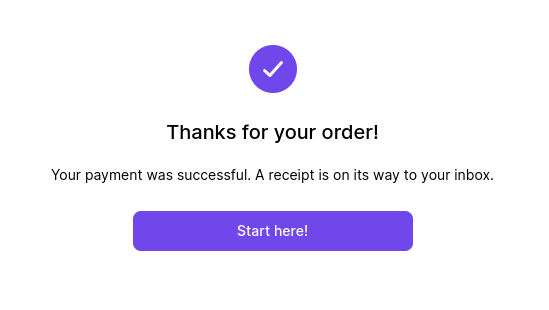
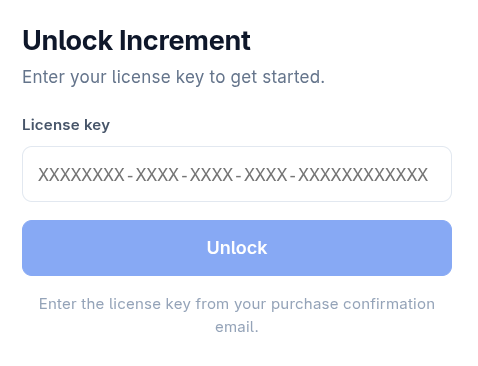
The same button is in your order receipt email, along with the key itself. If the key is not filled in for you, open Increment, choose Just bought Increment? Enter your licence key, and paste the key from your receipt. You only need to do this once on each device.
Installing Increment as a Progressive Web App (PWA)
Look for the install icon at the right-hand end of the address bar.

Click this to add Increment to your applications and have it open in its own window.
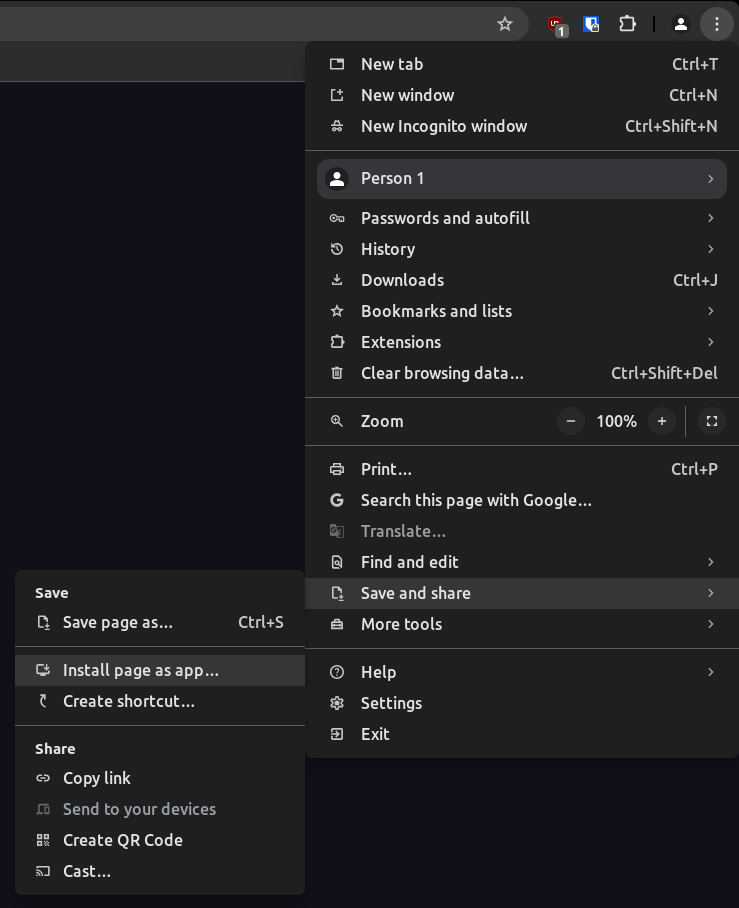
If you don't see it in Chrome, open the menu (three dots). Go to Save and share (or Cast, save and share) and select Install page as app.
If you are still having trouble installing Increment as an app or are having any other issues getting started, email hello@increment-app.com.